Making miti.today
Website
The miti.today website is my attempt at making a minimal calendar that gets me the Nepali date without any fluff or ambition.
My requirements for the website were simple:
- build it in a day
- host it for free
- load fast
So I came up with a system where I host a static website on Cloudflare Pages. Every 24 hours at 12 AM Nepal time, a Cloudflare Worker triggers the deployment again, updating the page.
An invocation a day is well within the free tier, and even if I had to pay for it, it would be in cents per day.
I use a table of the days in each month to calculate what today’s date should be:
const daysInYears = [
  ...
  [31, 32, 31, 32, 31, 30, 30, 30, 29, 29, 30, 30], // 2080
  [31, 32, 31, 32, 31, 30, 30, 30, 29, 30, 29, 31], // 2081
  ...
];

const startingTime = new Date("2018-04-14T00:00:00+05:45").getTime() / 1000;
let daysSince = (seconds - startingTimestamp) / 86400;

let year = 0,
  month = 0,
  day = 0,
  firstDayOfMonth = 0;

let _daySum = 0;
const daysInYearsFlat = daysInYears.flat();
for (let i = 0; i < daysInYearsFlat.length; i++) {
  _daySum += daysInYearsFlat[i];
  if (_daySum >= daysSince) {
    _daySum -= daysInYearsFlat[i]; // revert
    year = Math.floor(i / 12) + 2075;
    month = (i % 12) + 1;
    day = Math.floor(daysSince - _daySum) + 1;
    firstDayOfMonth = (_daySum % 7) - 1;
    break;
  }
}
The code is crude but works fine.
For a while I considered using the pancanga Perl script by Professors M. Yano and M. Fushimi (demo here). It is interesting, and something I hope to study in detail in future, but ultimately I felt it was too complex for my current use.
Once I have the date and the calendar, I generate the HTML “by hand”:
calendar.forEach((week) => {
  week.forEach((day) => {
    let $day;
    if (day === "-") {
      $day = $(`<div class='day'></div>`);
    } else {
      $day = $(
        `<div class='day${
          dateArray[2] === parseInt(day) ? " toDay" : ""
        }'>${day}</div>`
      );
    }
    $calendar.append($day);
  });
});

const html = $(".calendar").prop("outerHTML");

const monthEnHtml = `<div class="monthEn">${
  monthsEn[dateArray[1] - 1]
}</div>`;
I’m using Cheerio to make working with HTML easier. The generated HTML gets injected into a template using Mustache.
It was important to me that the HTML generated be a single page, with no extra HTTP requests once it reaches the browser. Thus:
- I embedded the font in the HTML (it makes up more than 90% of the page weight).
- The favicon is an SVG that has today’s date in Nepali.
- The CSS is inlined.
- There is no JS.
Apps
The miti.today website was useful. It is something I reference every day.
But over time, I began to wonder if a widget would be more useful. I decided to write a simple widget for iOS and see. I used SwiftUI to make it, and it was quite pleasant.

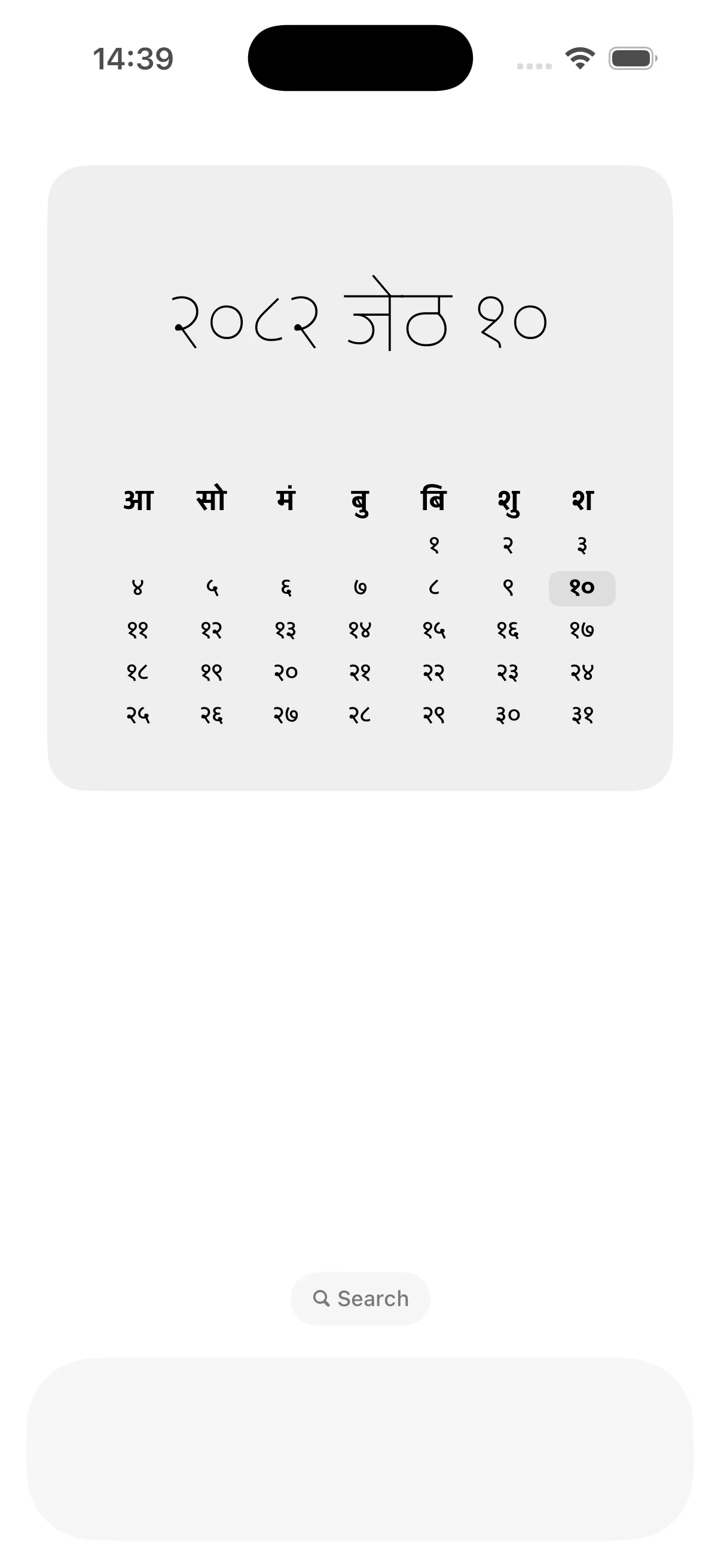
It turned out to be useful. Some of my friends asked for an Android version, so I used Compose with Glance to make it. It wasn’t as pleasant.
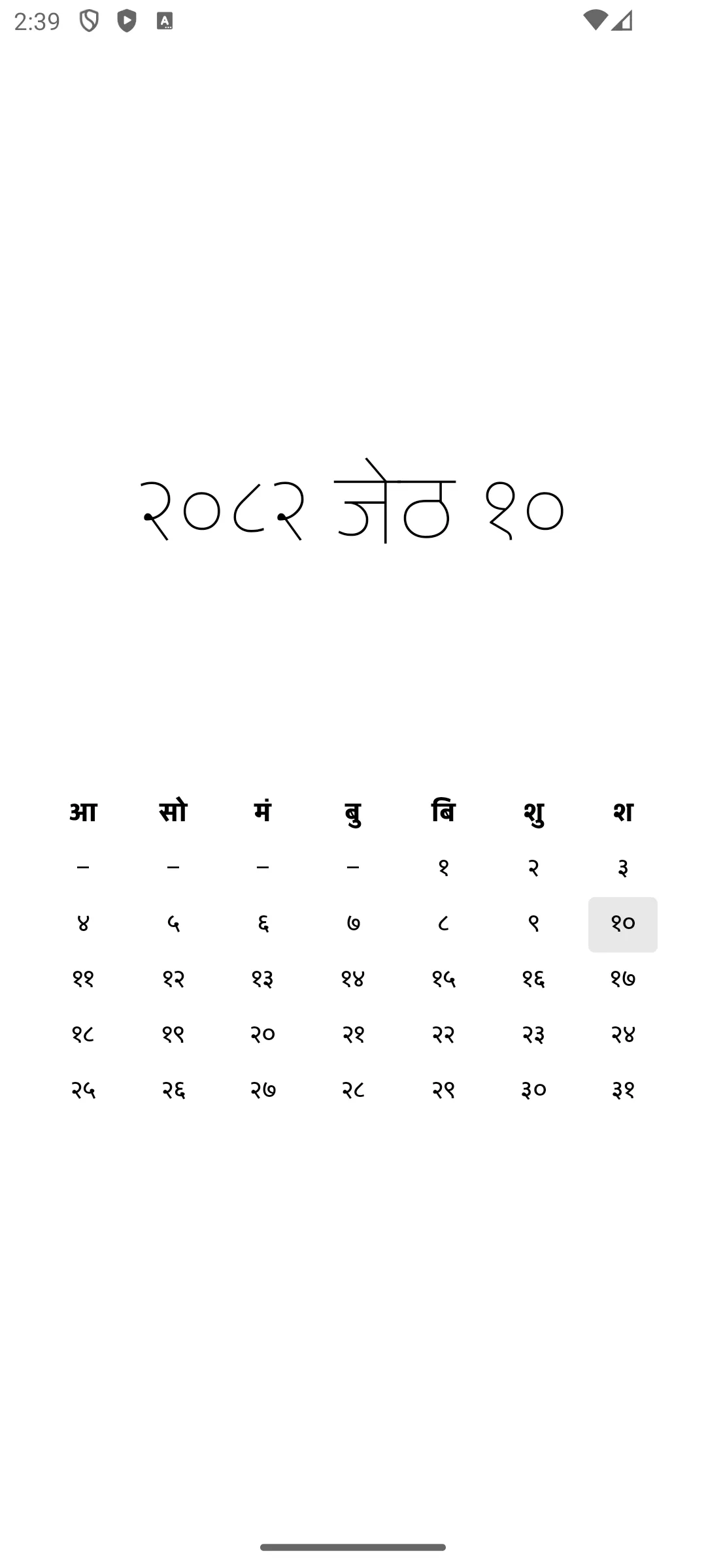
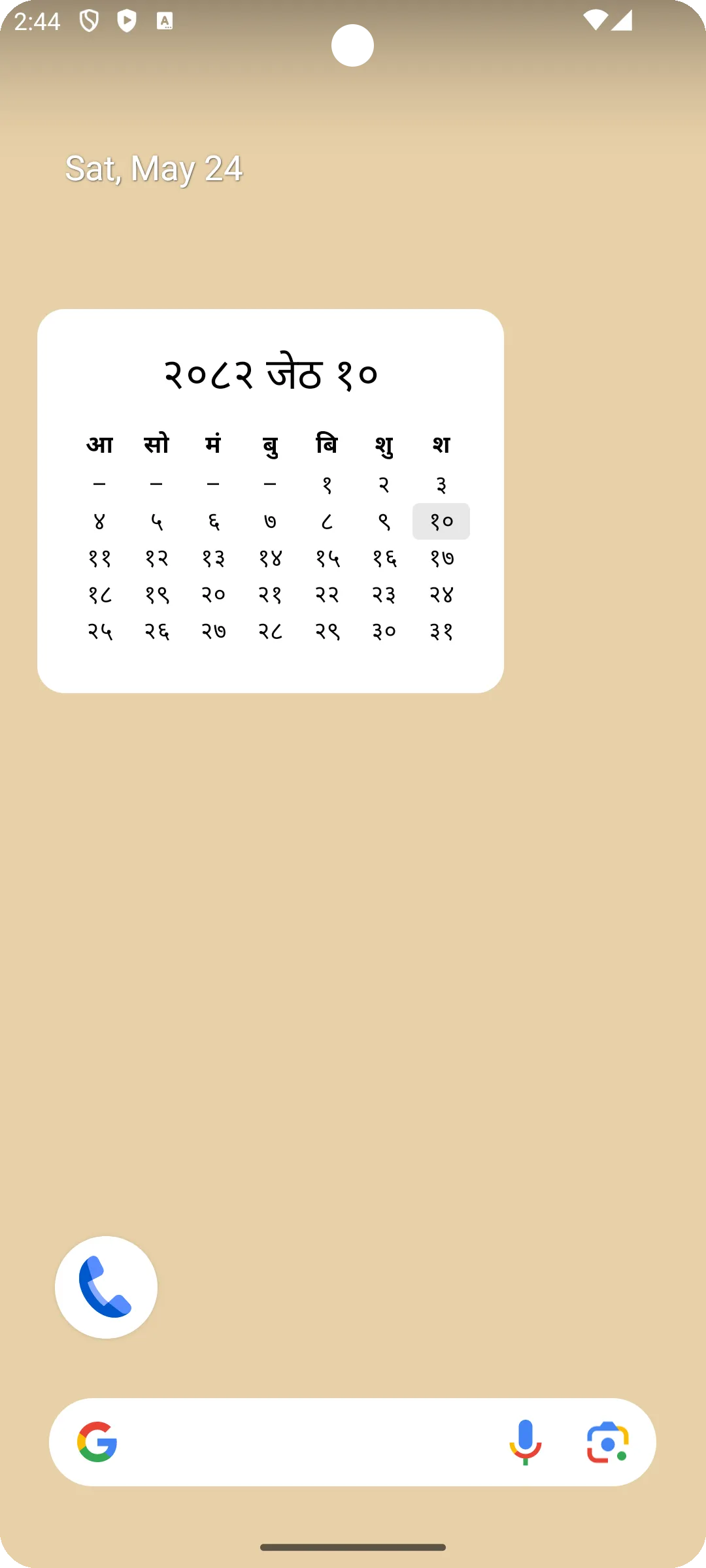
The Android app is out: miti.today on Google Play. The iOS app is still waiting on my Apple developer account; I’ll link it here once it’s available.